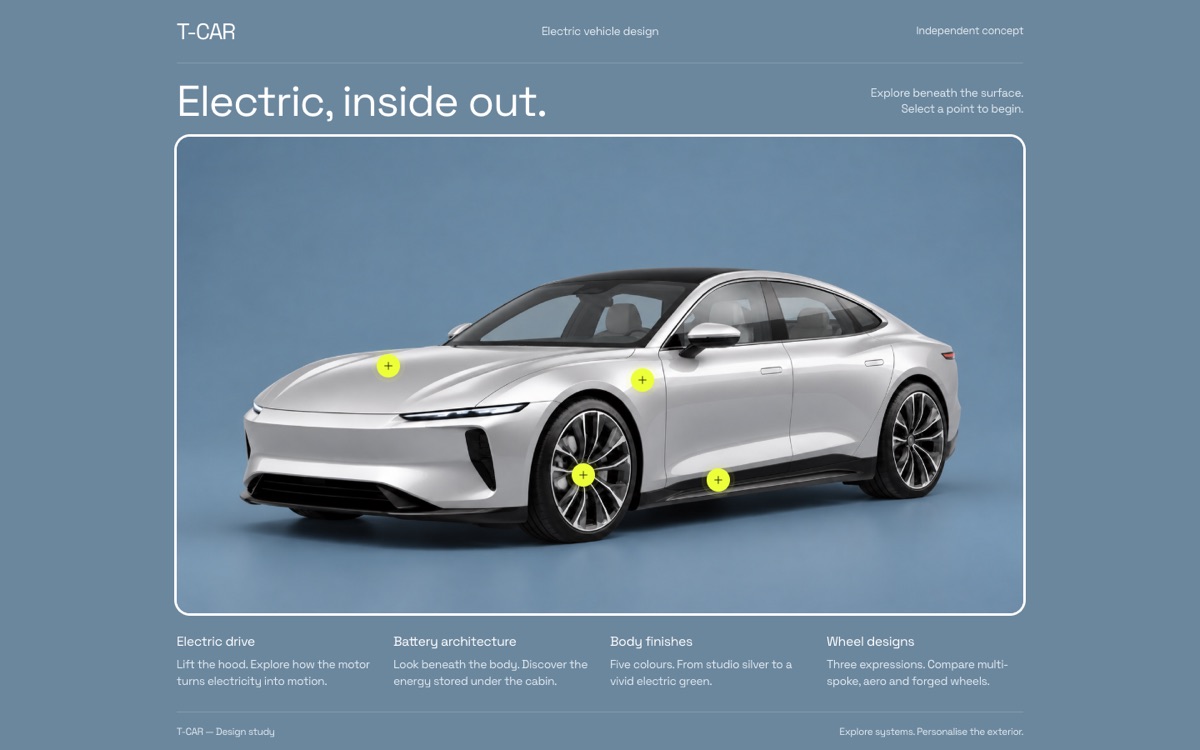
An interactive electric-car design study: hover to lift the hood or reveal the battery, open technical cutaways, and try five paints and three wheel designs.
Finds local businesses that have gone quiet on Facebook and Instagram, aren't advertising, or run ads they can't measure, then builds a client report for each one. You'll need a Signal Radar licence key from AEO.
signal-radar folder.chrome://extensions and turn on Developer mode (top right).signal-radar folder.A few of the sites we've designed and built. Open any of them to explore it live, right here.
An interactive electric-car design study: hover to lift the hood or reveal the battery, open technical cutaways, and try five paints and three wheel designs.
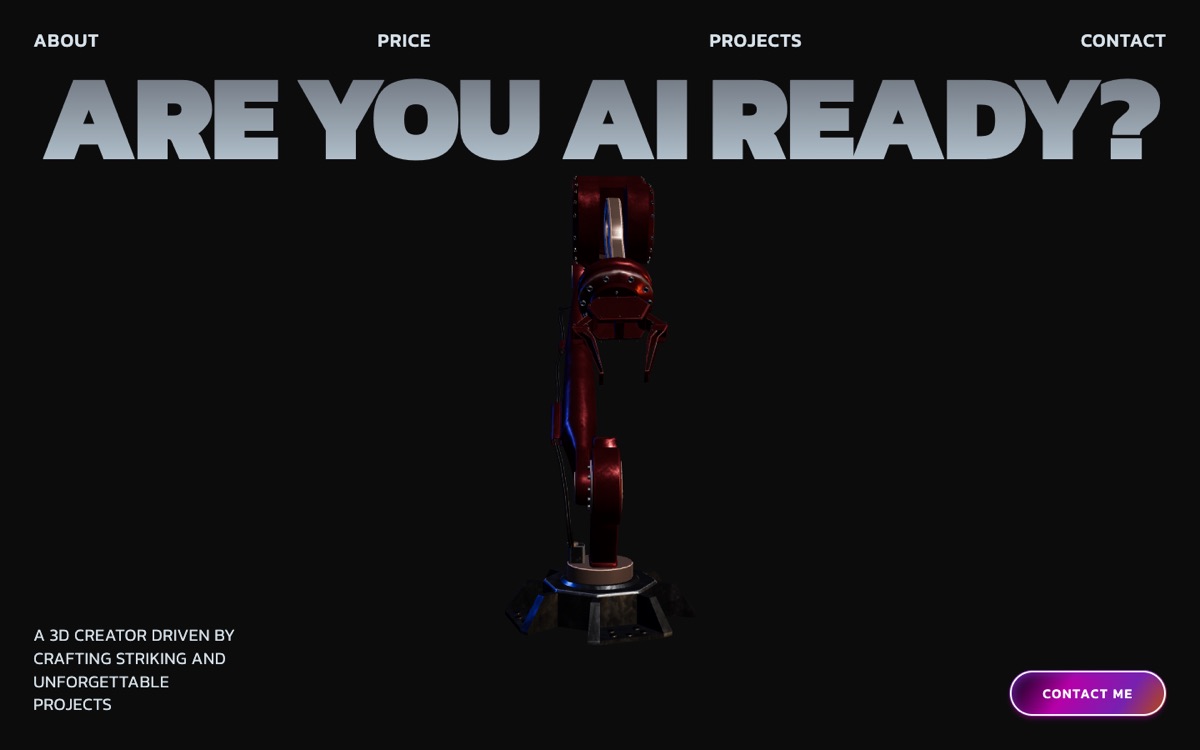
A bold, dark landing page for a vocational training institute, led by a 3D robot and one question: “Are you AI ready?”
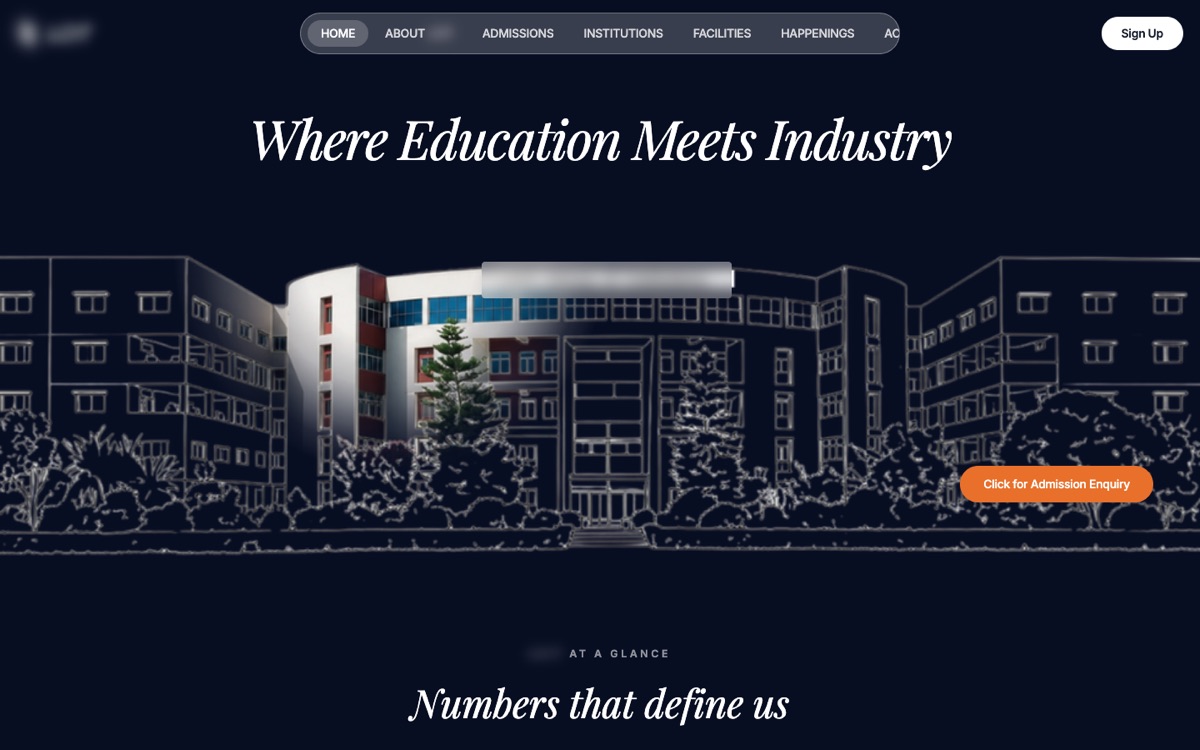
An editorial, dark website for a multi-college campus: programs, placements, and a wall of campus video.
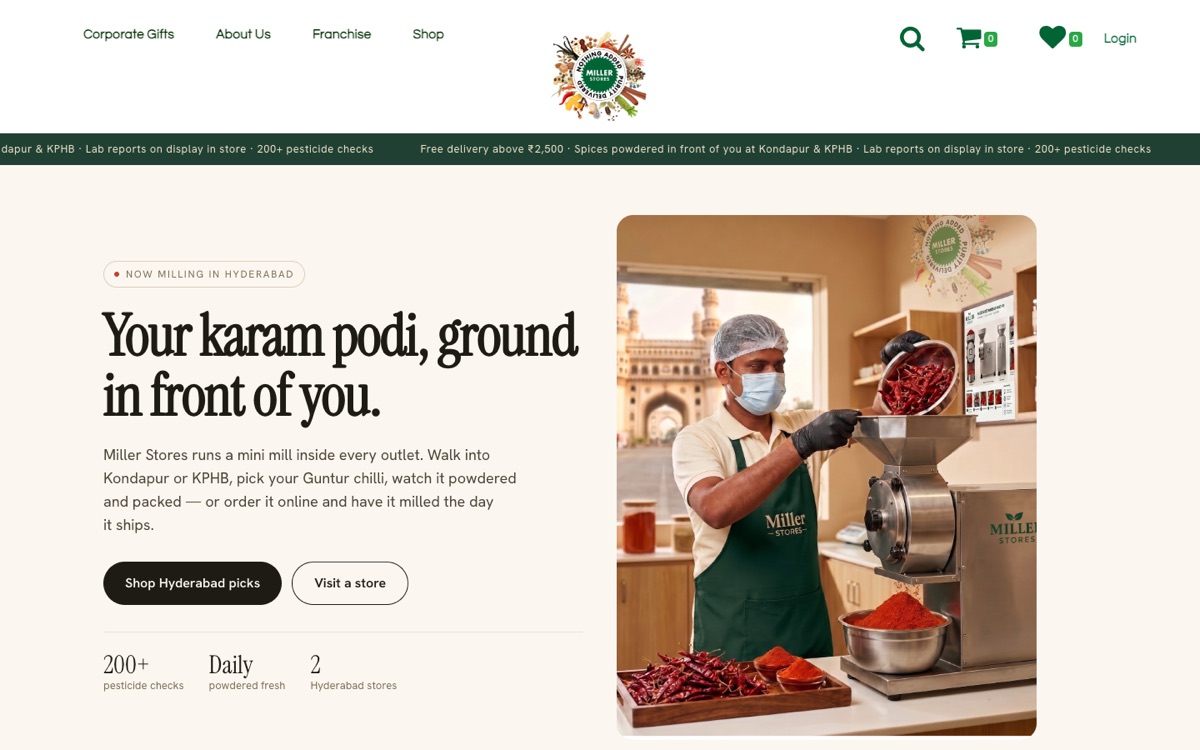
A city page for a spice-milling store chain: fresh-ground spices, two Hyderabad stores, and shopping online.
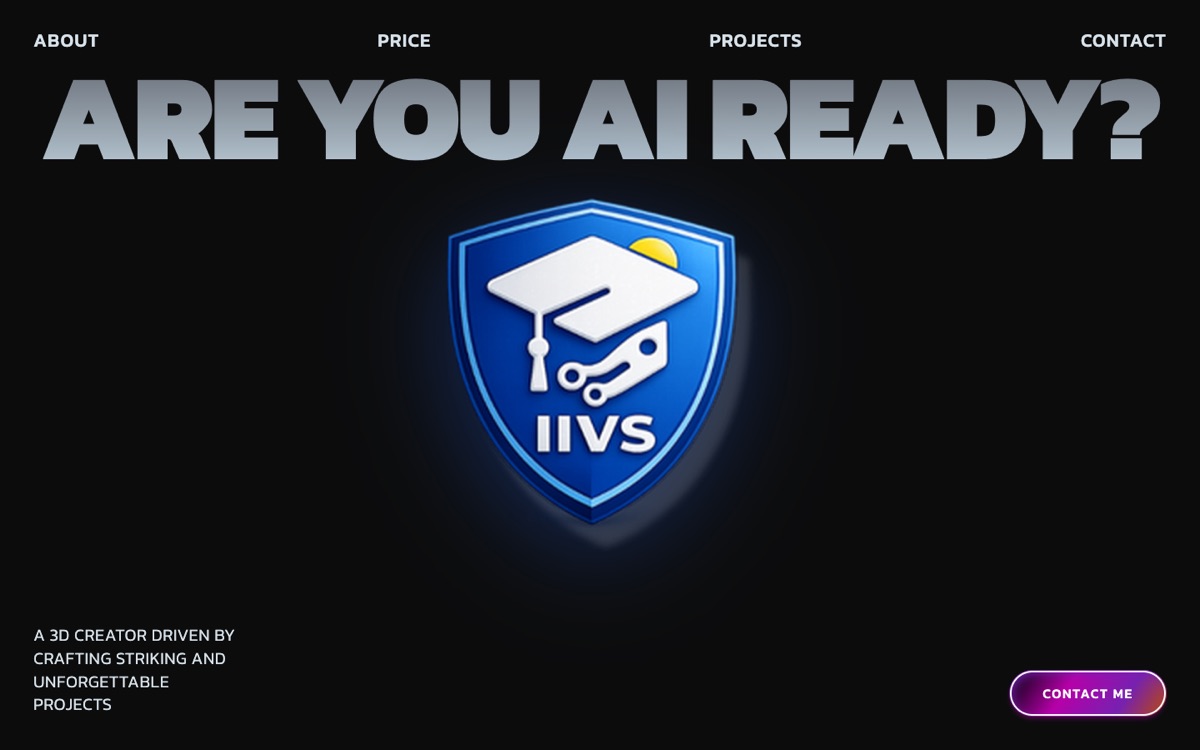
The same bold, dark look with the institute’s shield rendered in 3D as the centrepiece.

The full website for a vocational institute: certification courses, careers, admissions and a chat button for enquiries.
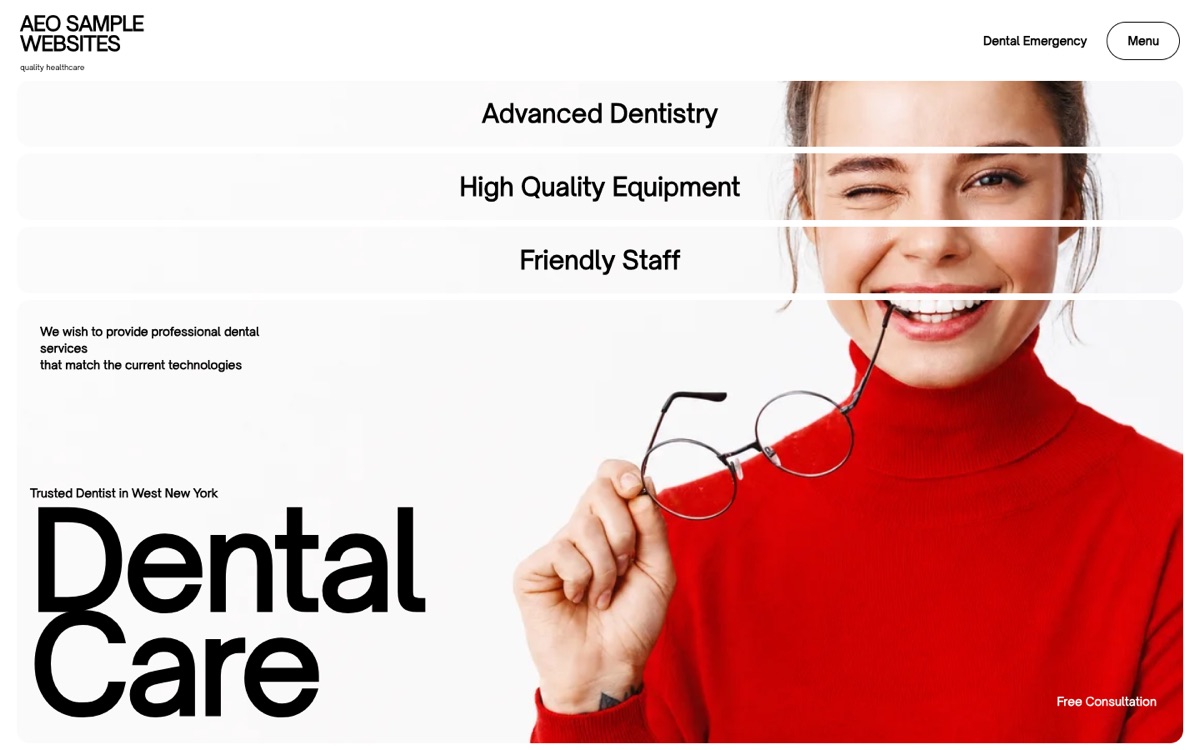
A dental clinic landing page: a counting splash screen, one photo split across a mosaic of cards, a smile gallery, services and implant dentistry sections.
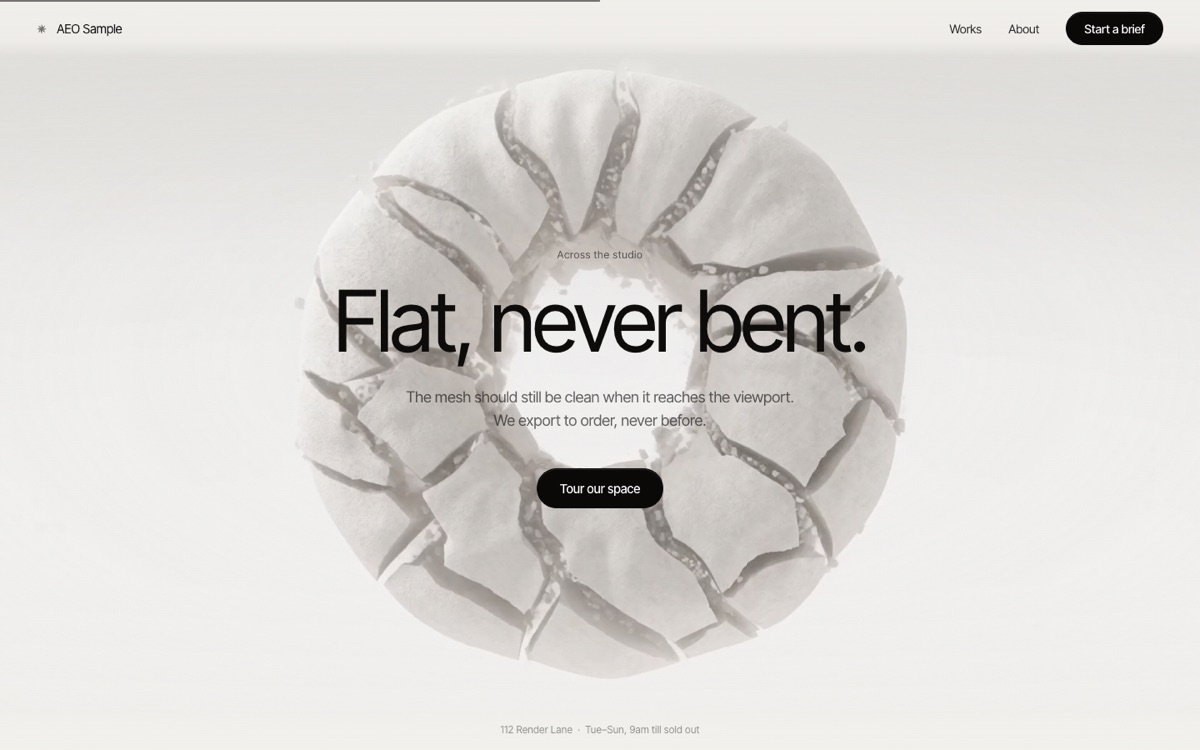
Scrolling plays the background film frame by frame while three headlines fade in and out over it.
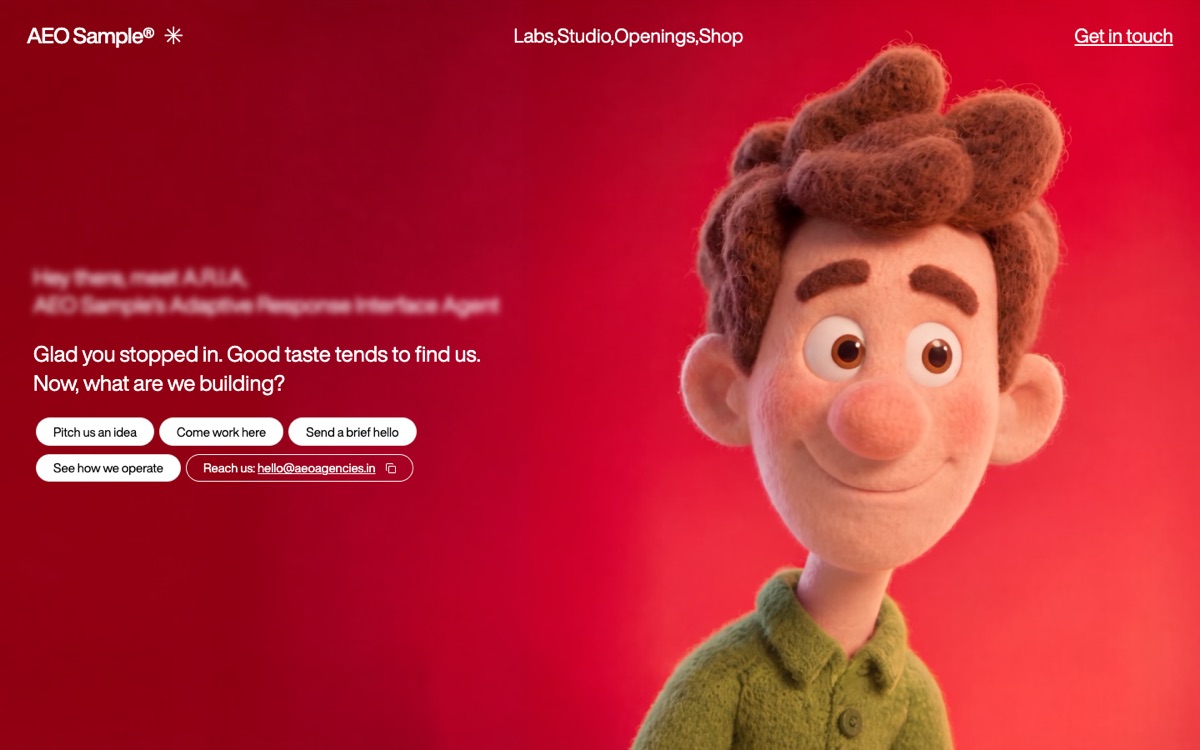
Moving the mouse left and right scrubs the character video; a typed greeting and quick-reply buttons invite a brief.
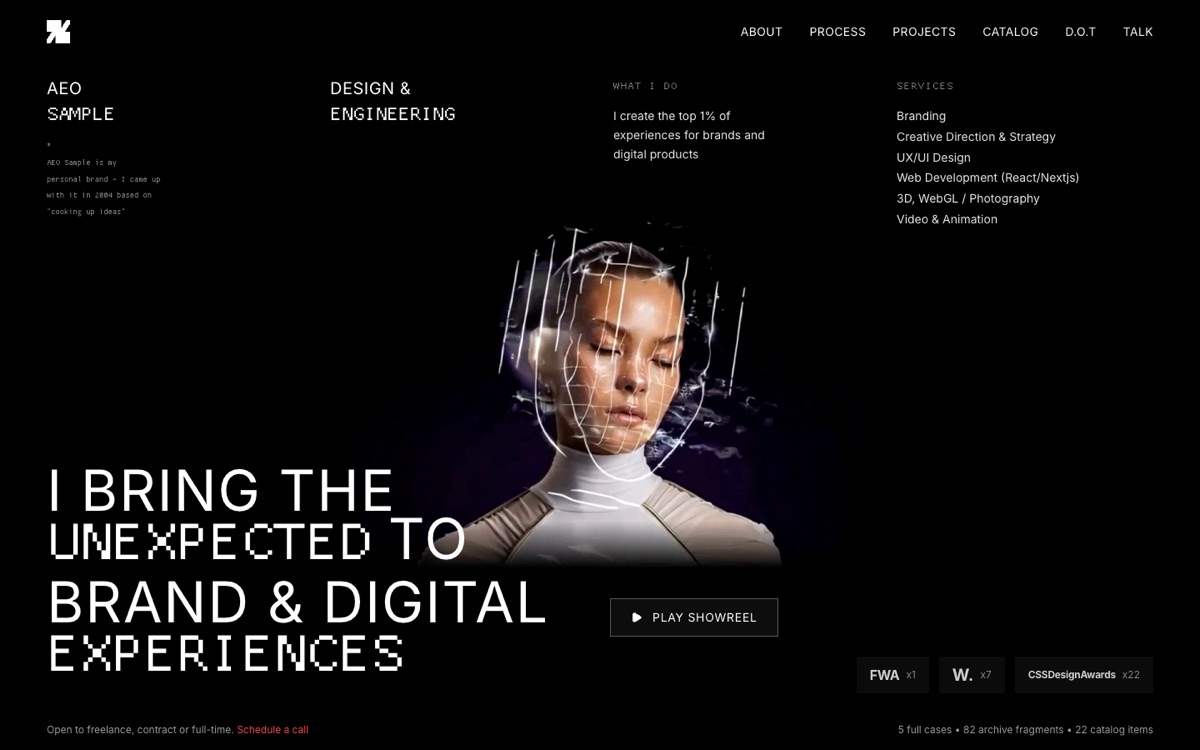
A one-screen designer portfolio: pixel and sans type over a looping film, services, showreel button and award counts.
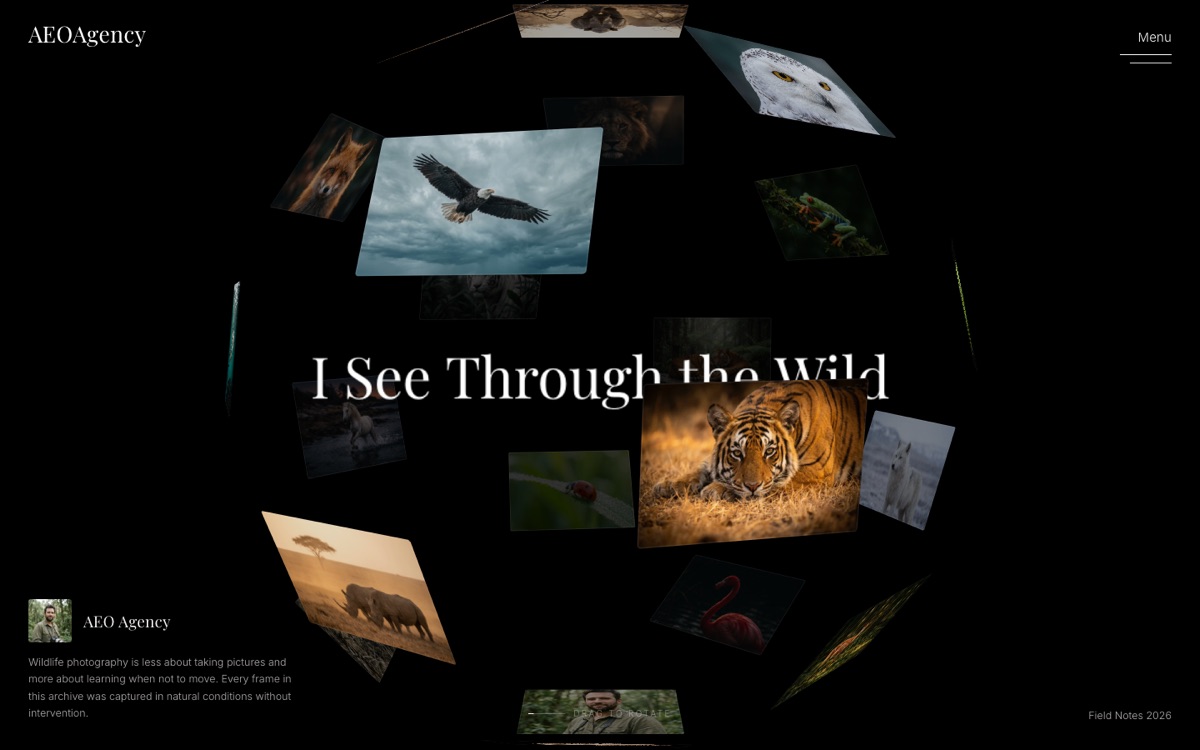
A wildlife photo archive: an intro film, then 21 photos on a sphere you drag to spin, a flat grid view and a full-screen viewer for each shot.